Making a Nuxt.js Project Multi-Lingual (With JSON) and Why You Should Let LocaleBit Do the Heavy Lifting
Madhumita S.
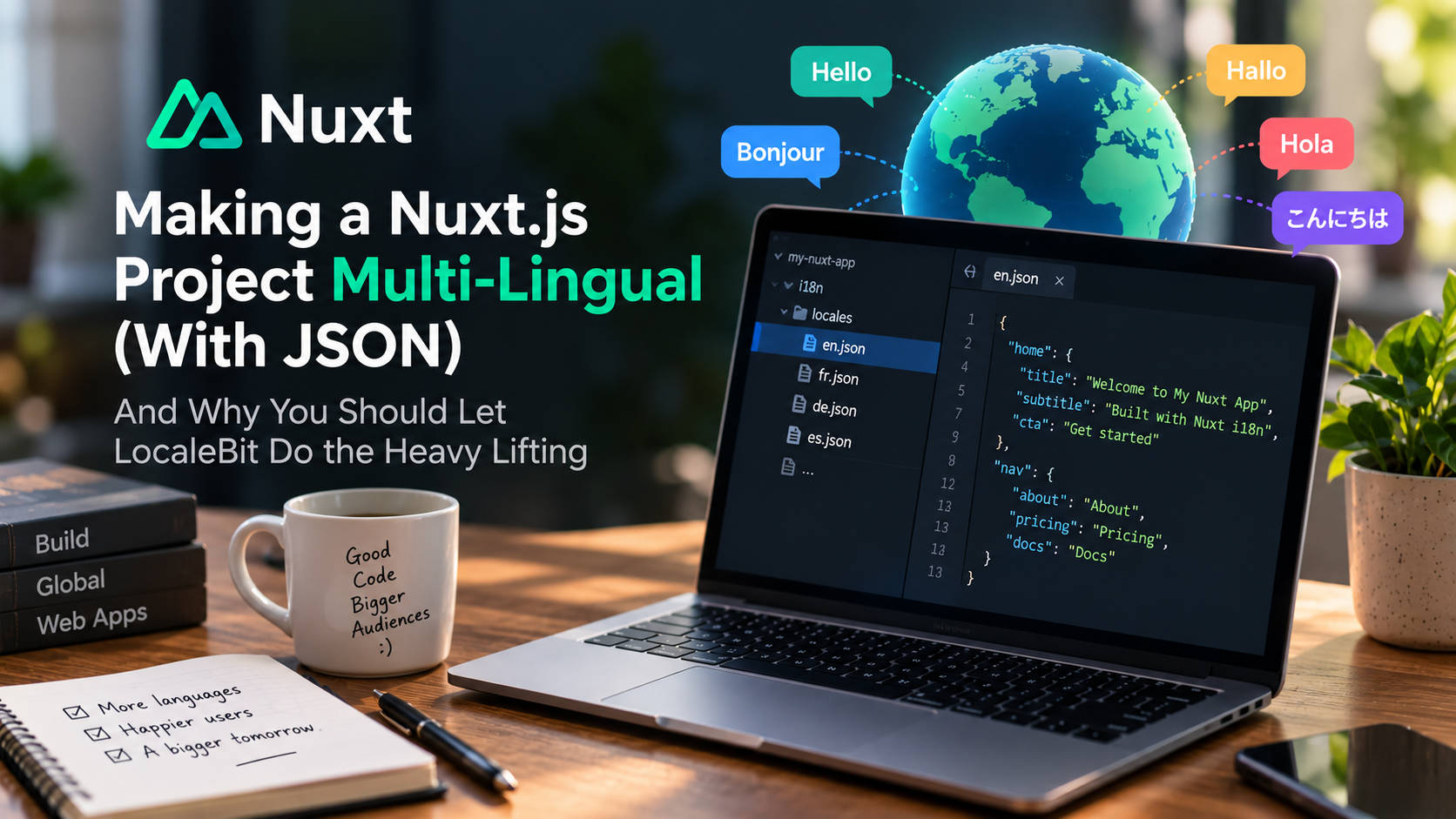
TL;DR: Add the official
@nuxtjs/i18nmodule, put your translations in plain JSON files underi18n/locales/, and use$t()in your components. Once you start supporting 20+ languages, though, manually maintaining all those.jsonfiles gets painful. That's where LocaleBit comes in. Point it at the same folder and let AI handle the translation and ongoing maintenance, all from your own server.
Why JSON for translations?
Nuxt's i18n support is built on Vue I18n, and JSON is one of the simplest and most practical ways to organize your translation messages. Using one JSON file per locale gives you a setup that's easy to understand and maintain.
It's:
- Language-agnostic: works with pretty much any tool that can read and write JSON.
- Git-friendly: one file per language makes changes easy to review.
- Tool-friendly: translation editors such as LocaleBit can work directly with these files.
For this tutorial, we'll keep things simple. Every translation will live in a JSON file. No YAML, no JavaScript message modules, and no database.
Step 0: Prerequisites
You'll need:
- A working Nuxt 3/4 project. Any starter project will do:
npx nuxi@latest init my-app. - Node 18+.
- A
pages/directory. This is needed for the locale-prefixed routing strategy we'll use.
Step 1: Install the i18n module
The easiest way to add i18n is through the Nuxt module CLI. It installs @nuxtjs/i18n and adds it to your Nuxt configuration for you:
npx nuxi@latest module add @nuxtjs/i18n
Under the hood, this adds the module to your config and sets up Vue I18n v11 for the project. That's all you need for the installation.
Step 2: Configure nuxt.config.ts
Next, define the languages you want to support, choose a default language, and decide how you want localized URLs to work.
// nuxt.config.ts

export default defineNuxtConfig({

  modules: ['@nuxtjs/i18n'],

  i18n: {

    // The locale used for the root URL (no prefix).
    defaultLocale: 'en',

    // Every non-default language gets a URL prefix, e.g. /fr/about
    strategy: 'prefix_except_default',

    // One entry per supported language. `file` points to the JSON message file.
    locales: [
      { code: 'en', language: 'en-US', name: 'English',  file: 'en.json' },
      { code: 'fr', language: 'fr-FR', name: 'Français', file: 'fr.json' },
      { code: 'de', language: 'de-DE', name: 'Deutsch',  file: 'de.json' }
    ],

    // Detect the visitor's browser language on their first visit.
    detectBrowserLanguage: {
      useCookie: true,
      cookieKey: 'i18n_locale',
      redirectOn: 'root'
    }

  }

})
A few things are worth pointing out here:
fileis the name of the JSON file containing that locale's messages.- Nuxt i18n looks for these files under
<rootDir>/i18n/locales/by default. You can change this withlangDir. defaultLocaleneeds to match one of your localecodevalues. It determines the default language and is also used for the unprefixed root URL.
Routing strategy refresher
prefix_except_default:/aboutfor English,/fr/aboutfor French. This is usually the simplest option.prefix:/en/about,/fr/about, with every route prefixed.prefix_and_default: both/fr/aboutand/aboutexist.no_prefix: no locale prefix in the URL. The locale is determined through cookies or the browser language.
Step 3: Create your JSON translation files
Create the i18n/locales/ directory and add one JSON file for each language:
i18n/locales/

├── en.json
├── fr.json
└── de.json
i18n/locales/en.json
{
  "home": {
    "title": "Welcome to My Nuxt App",
    "subtitle": "Built with Nuxt i18n and JSON translations",
    "cta": "Get started"
  },

  "nav": {
    "about": "About",
    "pricing": "Pricing",
    "docs": "Docs"
  }
}
i18n/locales/fr.json
{
  "home": {
    "title": "Bienvenue sur mon application Nuxt",
    "subtitle": "Construit avec Nuxt i18n et des traductions JSON",
    "cta": "Commencer"
  },

  "nav": {
    "about": "À propos",
    "pricing": "Tarifs",
    "docs": "Documentation"
  }
}
i18n/locales/de.json
{
  "home": {
    "title": "Willkommen in meiner Nuxt-App",
    "subtitle": "Erstellt mit Nuxt i18n und JSON-Übersetzungen",
    "cta": "Loslegen"
  },

  "nav": {
    "about": "Über uns",
    "pricing": "Preise",
    "docs": "Dokumentation"
  }
}
Golden rule: Keep the same key structure in every locale file. If
en.jsoncontainshome.cta, thenfr.jsonandde.jsonshould contain it too. Keeping the structure consistent helps prevent missing translations and makes the files much easier to manage.
Step 4: Use translations in your components
You can access translated messages using the $t() global function, or with the t function returned by useI18n().
<!-- pages/index.vue -->

<script setup>
const { locales, locale, setLocale } = useI18n()
</script>

<template>

  <header class="site-header">

    <nav>

      <NuxtLink :to="$localePath('index')">{{ $t('nav.about') }}</NuxtLink>

      <NuxtLink :to="$localePath('pricing')">{{ $t('nav.pricing') }}</NuxtLink>

      <NuxtLink :to="$localePath('docs')">{{ $t('nav.docs') }}</NuxtLink>

    </nav>

    <!-- Language switcher -->

    <select :value="locale" @change="setLocale($event.target.value)">

      <option v-for="l in locales" :key="l.code" :value="l.code">
        {{ l.name }}
      </option>

    </select>

  </header>

  <main>

    <h1>{{ $t('home.title') }}</h1>

    <p>{{ $t('home.subtitle') }}</p>

    <NuxtLink :to="$localePath('about')" class="cta">{{ $t('home.cta') }}</NuxtLink>

  </main>

</template>
That's pretty much it. When you change the value in the <select>, the page switches to the selected language and the URL is updated with the appropriate locale prefix.
Step 5: Use localized links instead of hard-coding /fr/...
When linking between pages, let the i18n helpers generate the correct URL for the current locale. Avoid hard-coding paths such as /fr/about.
| Need | Use |
|---|---|
| Link to a named route in the current locale | <NuxtLink :to="$localePath('index')"> |
| Link to a route in a specific locale | $localePath('index', 'fr') |
| Link to the French version of the current page | <NuxtLink :to="$switchLocalePath('fr')">Français</NuxtLink> |
| Programmatic navigation to a localized route | useLocaleRoute({ name: 'user-profile' }) + navigateTo(route.fullPath) |
One useful tip: enable typedPages: true in nuxt.config so route names are type-checked when you're using useLocaleRoute or $localePath.
Step 6: What you've got
At this point, you have:
- ✅ A Nuxt app that supports 3 languages.
- ✅ All your copy stored in plain JSON files under
i18n/locales/. - ✅ Browser language detection, cookie persistence, and locale-prefixed URLs handled by the i18n module.
And this is where things start getting less fun.
The real problem: maintaining N JSON files is where multilingual actually gets hard
Adding another language is easy. Keeping 20+ JSON files in sync is the hard part.
Every time you add a new key to en.json, you need to remember to add it to fr.json, de.json, es.json, and every other locale you support. Then you need to translate it, make sure the nesting matches, and repeat the process with every release.
Once you have a team working on the project, this gets even more tedious.
At scale, you end up dealing with:
- A lot of manual copy-pasting, often followed by pasting the text into an online translator.
- Nested JSON that's surprisingly easy to break with a missing brace or stray comma.
- No easy way to see your translation coverage or tell which locales are still missing keys.
- No convenient shared source of truth for keeping translations organized and versioned.
It becomes one of those maintenance tasks that quietly eats into your release time. This is the problem LocaleBit is designed to solve.
💡 Enter LocaleBit: AI-powered JSON translation management on your own server
LocaleBit is a self-hosted, AI-powered JSON translation editor and localization management tool built for Nuxt and other JSON-based web apps.
You point it at the same i18n/locales/ folder we created above, and instead of manually maintaining dozens of translation files, you can manage them from a single interface.
What it does with your JSON files
- AI-powered localization: Connect any OpenAI-compatible API, including OpenAI, DeepSeek, or a local model. You can then translate your existing JSON into 20+ languages with a single click. Adding new locales takes minutes instead of hours.
- Handles complex JSON: Nested structures, arrays, and mixed objects are handled automatically, so you don't have to configure every field individually.
- Visual editor: See your keys, languages, translation coverage, and missing entries in a UI instead of digging through raw JSON files.
- Writes directly back to JSON: The files under
NUXT_TRANSLATION_PATHremain the source of truth. Your Nuxt app can use the updated translations without another integration layer.
100% on your server with Docker
Because LocaleBit is self-hosted, your translation files stay under your control.
The basic setup takes three steps:
1. Prepare
Upload the package and unzip it on a Docker-enabled host.
2. Configure
Edit your .env file:
# Absolute path to your JSON translation files (must be writable by the container)
NUXT_TRANSLATION_PATH=/app/i18n/locales

# Dashboard password
NUXT_APP_PASSWORD=your-secure-password

# Port to run on (default 3000)
NUXT_APP_PORT=3000

# A secure 32-character session string
NUXT_SESSION_PASSWORD=xxxxxxxxxxxxxxxxxxxxxxxxxxxxxxxx
3. Start
docker compose up -d
Then open http://localhost:3000, log in, and hit "translate." LocaleBit can take your en.json and create fr.json, de.json, es.json, and so on while keeping the same JSON structure.
The economics are pretty simple
- $97 one-time payment for a lifetime license, with unlimited projects and 12 months of free updates.
- After that, extended updates are $25/year, although you can keep using the version you already have.
- Logged-in users get access to built-in Support Chat, with paid support also available.
Since the license covers unlimited projects, it can make sense to use LocaleBit across all the multilingual Nuxt apps you maintain. You don't have to pay a separate license for every project.
The full picture, end to end
┌─────────────────────────────┐
│  Your Nuxt app              │
│  pages/*.vue  →  $t('key')  │
└──────────────┬──────────────┘
               │ reads
               ▼
┌─────────────────────────────┐
│  i18n/locales/*.json        │  ◄── LocaleBit writes & edits these
│  en.json fr.json de.json …  │      (self-hosted, Docker, AI)
└─────────────────────────────┘
You still get the clean, standard Nuxt + JSON setup from Steps 1–5. LocaleBit simply takes care of the translation and maintenance work, so your JSON files stay complete and consistent as your app grows.
Wrap-up
npx nuxi@latest module add @nuxtjs/i18n- Configure
locales(code,language,name,file),defaultLocale, and your routing strategy innuxt.config.ts. - Keep your application copy in JSON files under
i18n/locales/. - Render translations with
$t(), and use$localePath()/$switchLocalePath()for localized links. - Point LocaleBit at that folder and let the AI translation tools and visual editor handle the repetitive work of maintaining 20+ languages on your own server, starting at $97.
Go local, but don't maintain everything manually. 🌍
Try it:
- Nuxt i18n docs: https://i18n.nuxtjs.org
- LocaleBit: https://localebit.com
- Live demo: https://demo.localebit.com
Notes on accuracy: The configuration shown here reflects the current @nuxtjs/i18n v10.x API, based on the documentation at i18n.nuxtjs.org. Per-locale message files use the singular file key and are sourced from <rootDir>/i18n/locales/ by default. If your project uses a different major version, the installation command is the same, but it's worth checking the documentation for that specific version to confirm the available options.